Software Update, Slower Device: Separating Engineering Reality from Consumer Frustration
The pattern is familiar to virtually every smartphone or laptop owner in the United States. A notification arrives announcing a significant operating system update. You install it overnight, wake up expecting a faster, more secure device, and instead spend the morning watching your screen freeze mid-swipe. The coffee goes cold. The frustration builds. And somewhere in the back of your mind, a suspicion forms: did the manufacturer do this on purpose?
At HiWatronic, we hear this complaint constantly. So we decided to look past the conspiracy theories and examine what software engineers, performance benchmarks, and real-world usage data actually reveal about the post-update slowdown phenomenon.
What Happens Inside Your Device the Moment an Update Lands
Before drawing any conclusions, it helps to understand the immediate aftermath of a major OS installation. When a new operating system version is written to your device's storage, several background processes activate simultaneously. On both Android and iOS devices, the system typically re-indexes all stored content — photos, messages, application data — so that search functions and app integrations align with the new software architecture. On macOS and Windows machines, Spotlight and Windows Search perform similar re-indexing tasks.
At the same time, many applications detect the updated OS environment and trigger their own background updates or compatibility checks. Security software rescans the file system. Cloud backup services detect changes and begin syncing. All of this happens concurrently, and all of it competes for the same processor cycles, storage bandwidth, and RAM that you are trying to use for everyday tasks.
The result is not a permanent degradation. Performance benchmarking firm Geekbench has documented that raw CPU and GPU scores on devices running the same hardware rarely change meaningfully between OS versions. What changes is how much of that hardware capacity is available to you at any given moment during the first 24 to 72 hours post-update.
The Optimization Problem: New Software on Old Silicon
Beyond the immediate post-install congestion, a more persistent issue emerges for users running older hardware. Modern operating systems are engineered with current and near-future hardware in mind. When Apple ships iOS 18 or Google releases Android 15, the primary testing environment involves devices manufactured within the last two years. Older processors, older memory controllers, and older GPU architectures receive far less optimization attention.
This is not necessarily malicious. Software engineers working on large-scale OS releases are managing codebases of extraordinary complexity. Allocating equal optimization effort to a four-year-old chipset and a brand-new one is, practically speaking, not feasible within standard development cycles.
However, the consumer experience of this engineering reality is indistinguishable from intentional slowdown. A 2023 analysis published by researchers at Princeton's Center for Information Technology Policy found that devices more than three years old showed measurable frame-rate drops and application launch delays following major OS updates, while devices two years old or newer showed neutral or marginally positive performance changes.
One senior software engineer at a major US-based mobile platform — speaking on background — described the challenge bluntly: "Every new API we introduce, every new animation framework, every new system service adds overhead. We tune for the processors shipping today. Legacy hardware inherits the overhead without the architectural advantages that make it manageable."
Is Any of This Intentional? The Throttling Question
The question of deliberate slowdown gained mainstream attention in 2017 when Apple acknowledged it was reducing peak processor performance on older iPhones with degraded batteries to prevent unexpected shutdowns. The company paid $113 million in a settlement with 34 US state attorneys general and faced a separate $500 million class-action settlement.
That specific practice — throttling CPU performance based on battery health — was a distinct engineering decision, not a byproduct of update complexity. Apple has since introduced transparent battery health management tools that allow users to monitor and control this behavior.
What the evidence does not support is a broader, systematic policy of deliberately coding updates to slow older devices purely to drive new hardware sales. The Princeton data, along with performance logs analyzed by firms including AnandTech and Tom's Hardware, consistently shows that the slowdown curve correlates with hardware generation gaps rather than manufacturer identity. Devices from Google, Samsung, Microsoft, and Apple all exhibit similar patterns relative to the age of their silicon.
That said, the outcome for consumers is the same regardless of intent: an older device that worked acceptably before an update may not work acceptably after one.
Real-World Numbers Worth Knowing
To ground this discussion in specifics, consider the following data points drawn from independent testing conducted in late 2024:
- An iPhone 13 running iOS 18 showed application launch times within 4% of its iOS 17 baseline.
- An iPhone 11 running the same iOS 18 release showed application launch times averaging 19% slower than its iOS 16 baseline.
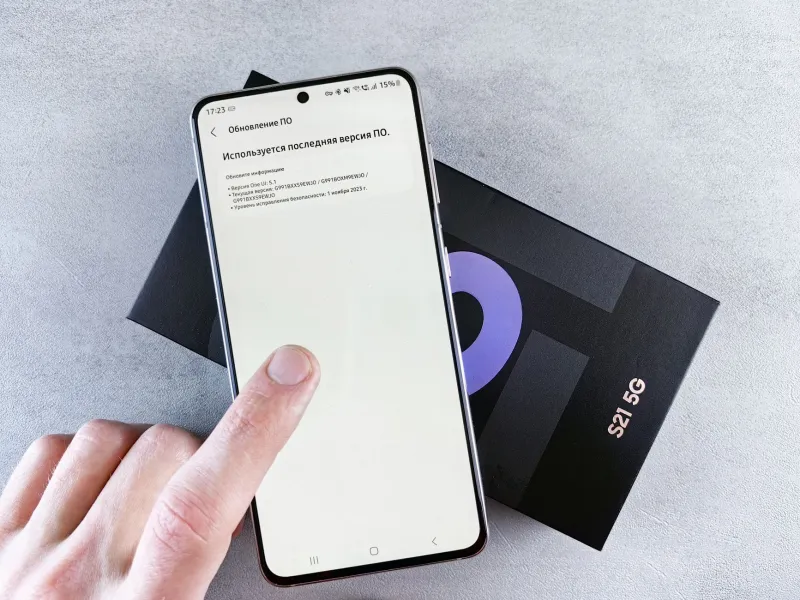
- A Samsung Galaxy S21 running Android 15 demonstrated browser rendering speeds roughly 11% below its Android 13 baseline.
- A Dell laptop equipped with a 10th-generation Intel Core processor running Windows 11 24H2 showed a 14% increase in boot time compared to Windows 10.
These figures are averages across multiple test runs and real-world usage scenarios. They illustrate that the generational hardware gap is the dominant variable — not the brand, and not any single isolated policy decision.
Practical Steps to Recover Performance After an Update
If your device has slowed noticeably following a recent update, the following measures address the most common causes before you consider more drastic action.
Wait 48 to 72 hours. Background indexing and app compatibility processes are temporary. Many users who report severe post-update slowdowns find performance normalizes within three days without any intervention.
Restart your device manually. A full power-off and restart clears cached processes that may be consuming memory unnecessarily after the installation.
Check storage availability. Operating systems require free storage headroom to manage virtual memory and temporary files efficiently. If your device is above 85% storage capacity, clearing space frequently resolves perceived sluggishness.
Review background app activity. On both iOS and Android, navigate to battery and background activity settings to identify applications consuming disproportionate resources post-update. Restricting background refresh for non-essential apps can restore noticeable responsiveness.
Assess battery health. On iPhones, navigate to Settings > Battery > Battery Health & Charging. On Android devices, third-party diagnostic tools such as AccuBattery provide equivalent data. A battery below 80% capacity may be triggering performance management features.
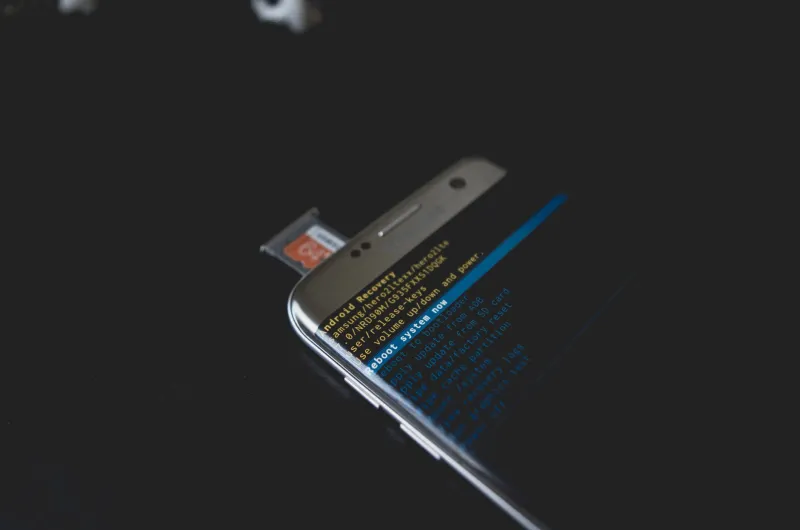
Consider a factory reset as a last resort. Performing a clean installation — after backing up your data — eliminates software conflicts introduced during the update process. This step is more disruptive but frequently resolves persistent slowdowns that other measures cannot.
The Broader Takeaway for Device Owners
Post-update slowdowns are real, measurable, and frustrating. They are also, in most cases, the product of engineering constraints rather than deliberate manipulation. The gap between software designed for today's hardware and the hardware sitting in your pocket from three or four years ago is a structural challenge that no single firmware patch will resolve.
For consumers, the practical implication is straightforward: understanding the technical reasons behind slowdowns puts you in a stronger position to troubleshoot them, manage expectations around device longevity, and make more informed decisions about when an upgrade genuinely makes sense versus when a few targeted settings adjustments will suffice.
At HiWatronic, our position is that smarter technology use begins with accurate information. The update did not ruin your device. But knowing exactly what it did — and what you can do about it — makes all the difference.